What is Numbers and how does it work?
A simple guide to the information the app needs, how it calculates personal numbers, and what its numerology analysis includes.
Official RadarHelpLive Numbers guide · Updated November 9, 2026
From your first step to your results
Go straight to the section that interests you.
What is Numbers?
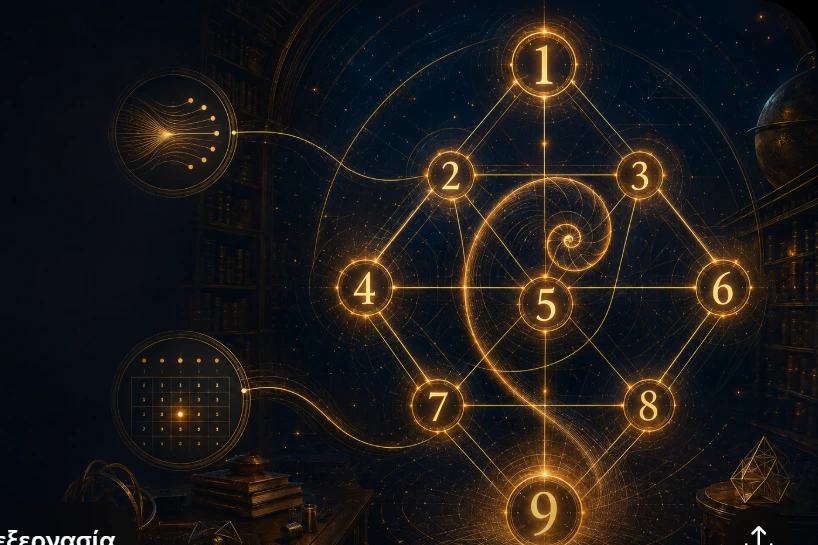
RadarHelpLive Numbers connects your date of birth and the letters of a name with numerical calculations. It then organizes the results into a personal numerology chart, with a separate interpretation for each section.
Your personal chart brings together different numbers, shows how each one is calculated, and helps you explore what each section means.

How to begin in four steps
- Open Numbers and select “Personal Profile”.
- Enter your name and date of birth.
- Confirm the exact Latin-letter spelling to be used in the calculation; a different spelling can change the result.
- Choose the Pythagorean or Chaldean method and continue to your profile analysis.
For a Pythagorean profile, the full birth name is usually used; for Chaldean numerology, the name you use in everyday life.

A simple example: Life Path
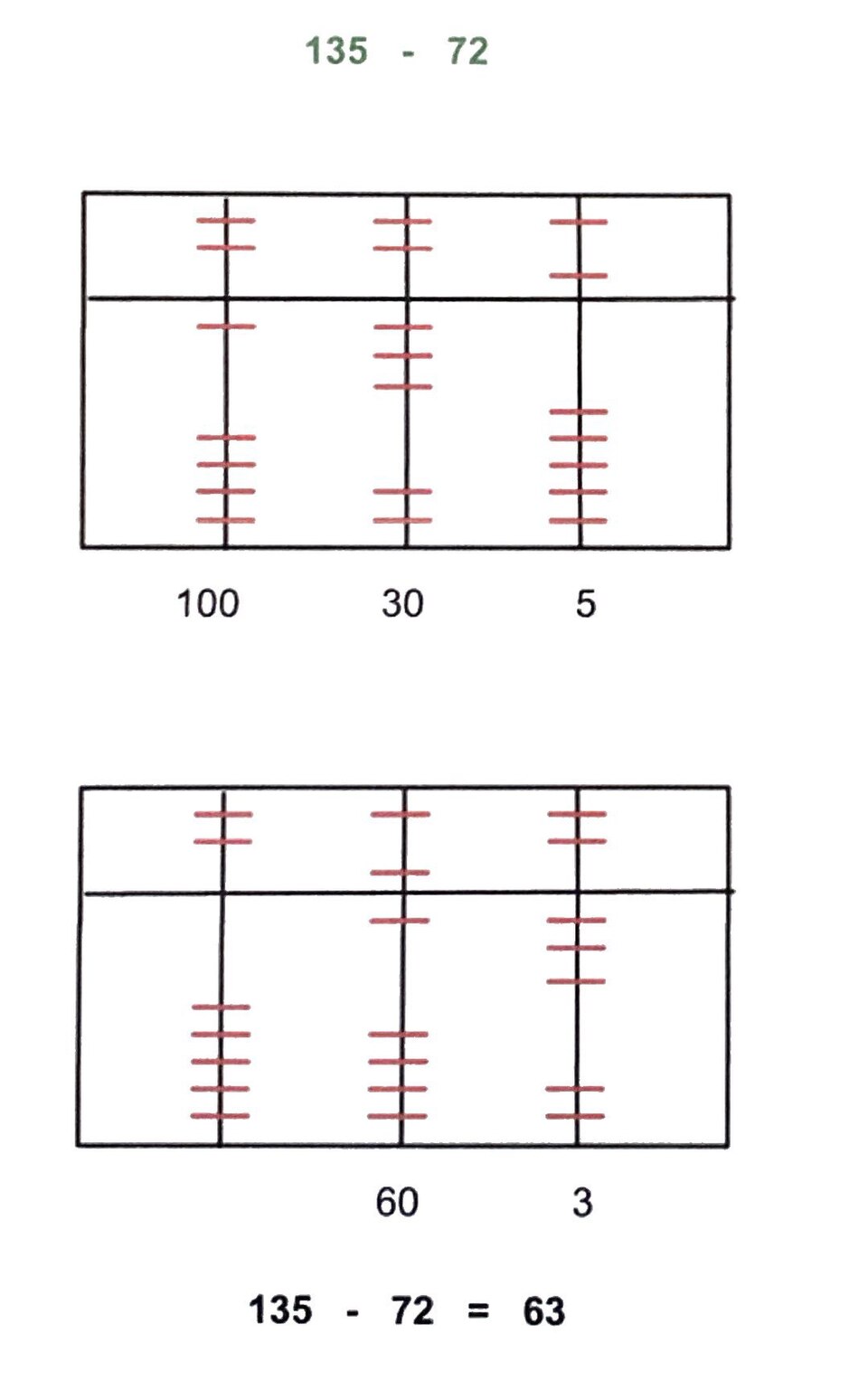
Your Life Path is calculated from your full date of birth. Here is a simple example to show how it works:
In numerology tradition, the number 7 is symbolically associated with exploration, analysis, and depth. Numbers presents additional chart details alongside your final number.
Depending on the method, the exact calculation may include special rules for master numbers. Explore the Life Path guide.
What do the numbers in your chart mean?
Your personal chart includes more than your Life Path. In the Pythagorean profile, you can also explore:

Pythagorean vs. Chaldean: what changes?
The two methods use different letter-to-number charts. In Pythagorean numerology, values run from 1 to 9; in the Chaldean letter chart, values run from 1 to 8.
That is why the same name may produce a different number. Numbers presents both methods separately, with clear explanations of their calculations.
What does comparing two people reveal?
In the “Relationship Matrix” , enter the details of two people, choose a relationship type — partnership, marriage, work, friendship, or family — and select a reference date.
The app compares Pythagorean profiles and presents shared patterns, differences, and dimensions of the relationship as a starting point for conversation and reflection.
Read our guide to comparing two people through numerology ↗.

Continue with your personal chart
In Numbers, choose your Personal Profile or Relationship Matrix and explore the results through organized explanations and calculation steps.
Your personal exploration continues directly in the app, where you can choose the method and section that interests you most.
Frequently asked questions and related guides
Choose a question and continue to one of the related Numbers guides.
How is the Life Path number calculated?
It uses your date of birth and the reduction rules of the selected method. Read the related guide ↗
What does the Soul Urge number mean?
It is a separate interpretation of numbers derived from particular letters in your name. Read the related guide ↗
What are master numbers 11, 22, and 33?
Some numerology methods give these numbers a distinct interpretation. Read the related guide ↗
Can I calculate numerology from my name?
Yes. First, confirm the exact Latin-letter spelling to be used in the calculation. Read the related guide ↗
What is a Personal Year?
It is a time-based numerology indicator, distinct from your core Life Path number. Read the related guide ↗
Can I compare two people?
Yes. The app has a dedicated Relationship Matrix for two profiles. Read the related guide ↗
Where do I start if I'm new to numerology?
Start with the numerology calculator guide, then explore your personal profile. Read the related guide ↗